Day 3: Intro to Scratch
Wednesday, March 18th, 2026
Warmup: Intro to Scratch
Mr. Willingham has created an account on Scratch for you to use during this class. The account name and password are deliberately random and not personally identifiable to protect your privacy.
Check your school email for the login information. If you don’t see an email from Mr. Willingham, check your spam and trash folder.
Access your school email using Office 365 and logging in with your school email and password.
After logging into Scratch , click “Create” to start a new project. Choose the tutorial titled “Getting Started”. Watch the video and follow along with the instructions in the tutorial.


Work Session: Scratch Art Tools
We’ll walk through the art tools in Scratch together. When making apps in Scratch, making them look good is all about using the art tools effectively. Code is important, but the art tools are just as important. So, let’s learn how to use them!
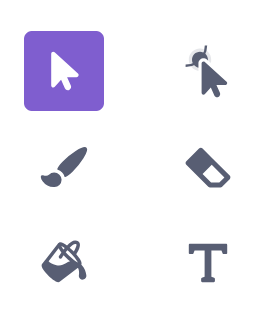
We’ll use all of the following to paint a backdrop for today’s Scratch project.
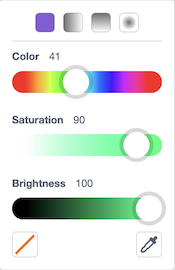
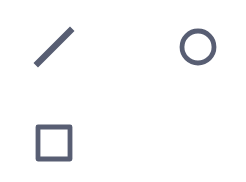
Click on each tab to learn about the different tools.
Art Challenges
Some challenges to try out with the art tools:
- Paint a castle using the rectangle and circle tools only
- Paint a landscape (trees, mountains, etc.) using the line tool only
- Paint a vehicle using the brush tool only
Checkpoint: Work Session
- I have used the art tools to paint a backdrop.
- I understand the advantage of using the primitive shapes over painting freehand.
- I understand how to use the color picker tool to select colors.
- I understand how to use the color, saturation, and brightness sliders to select colors.
Standards
- MS-CS-FCP.4.1 — Develop a working vocabulary of programming including coding, user interfaces, usability, and programming language.
- MS-CS-FCP.4.5 — Implement a simple algorithm in a computer program.